

acer Wireless Mouse, 1200 DPI Computer Mouse for Laptop with 2.4GHz USB A Receiver, 5 Buttons Compatible for Windows, macOS, Android (Black)
Original price was: $15.99.$12.99Current price is: $12.99.


Price: $15.99 - $12.99
(as of Sep 13, 2025 06:03:11 UTC – Details)
Product description

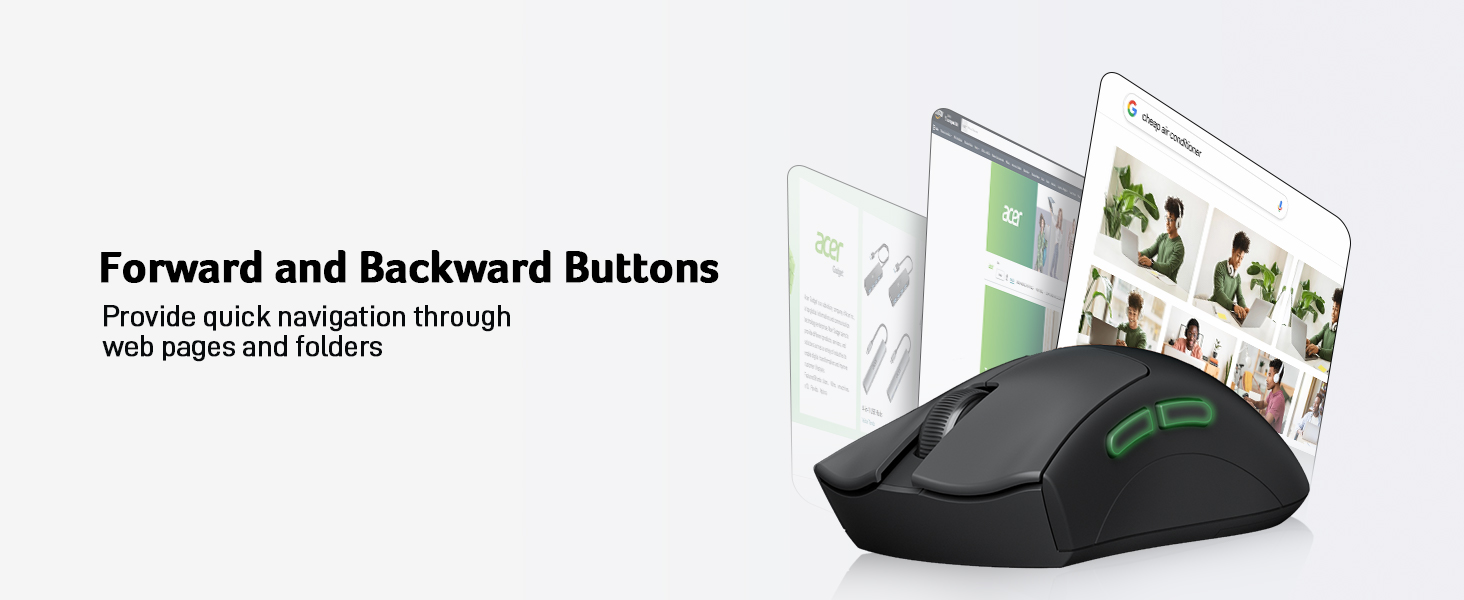

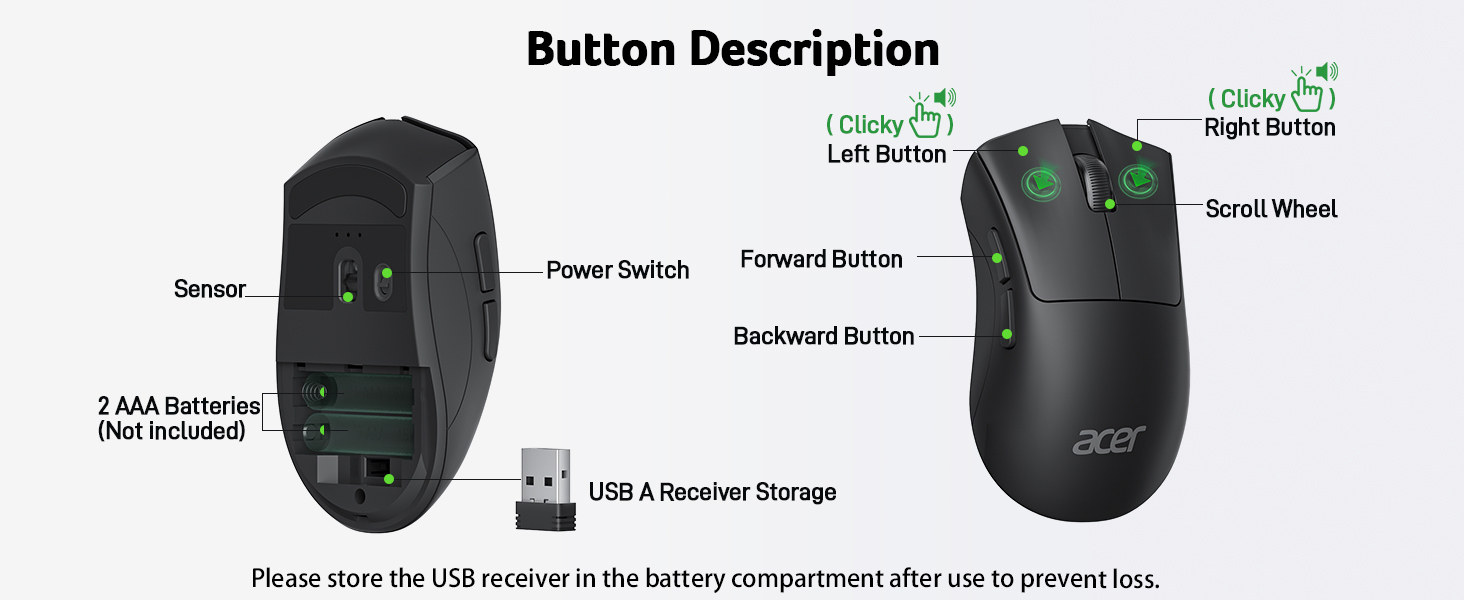
1 Forward and Backward
2 Real-Time Response
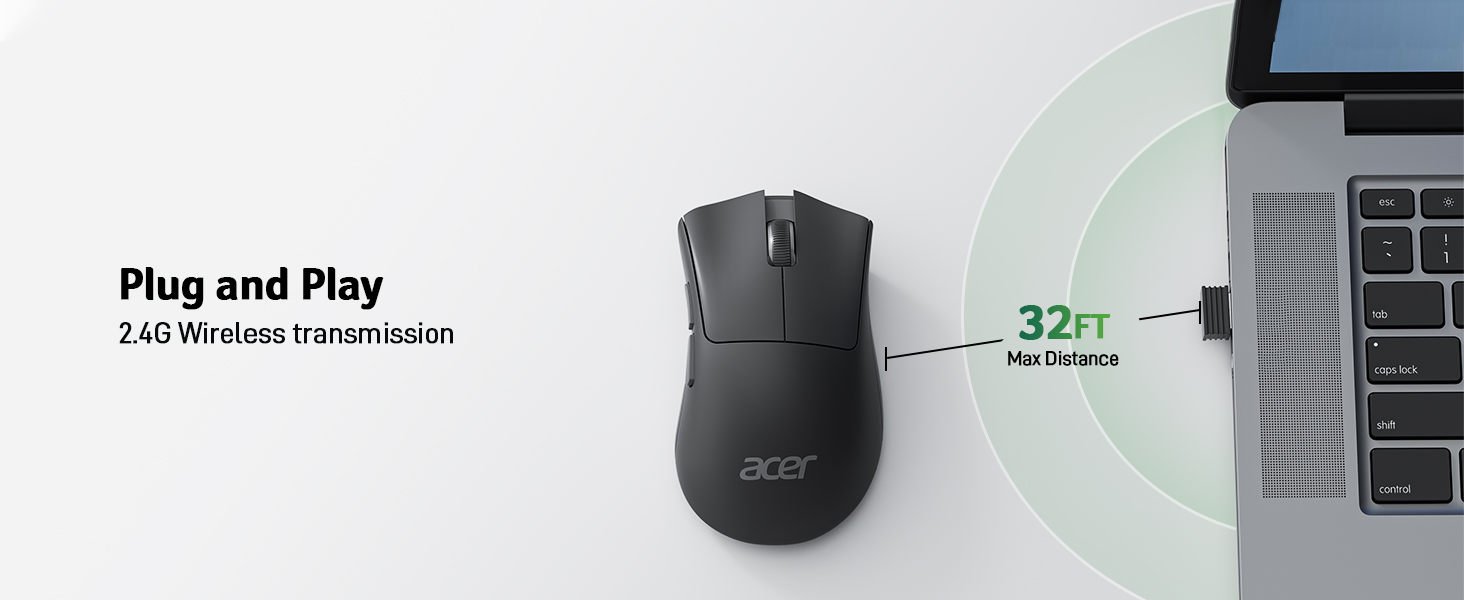
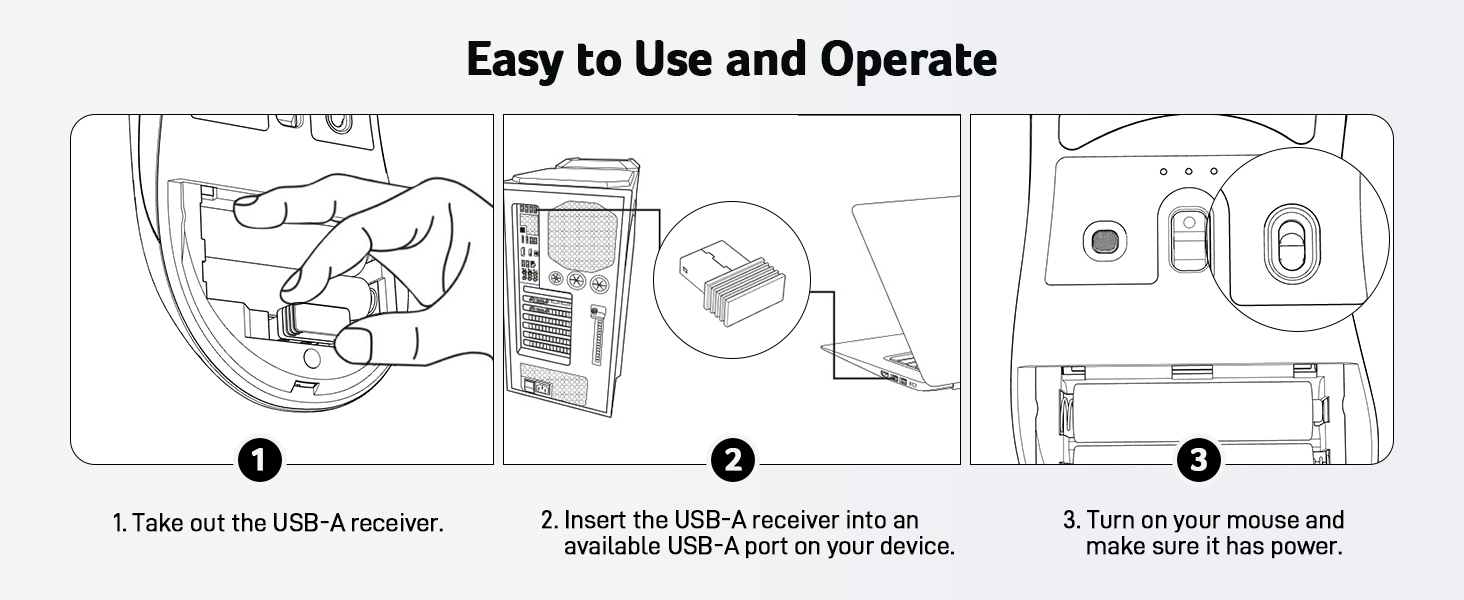
3 Plug and Play
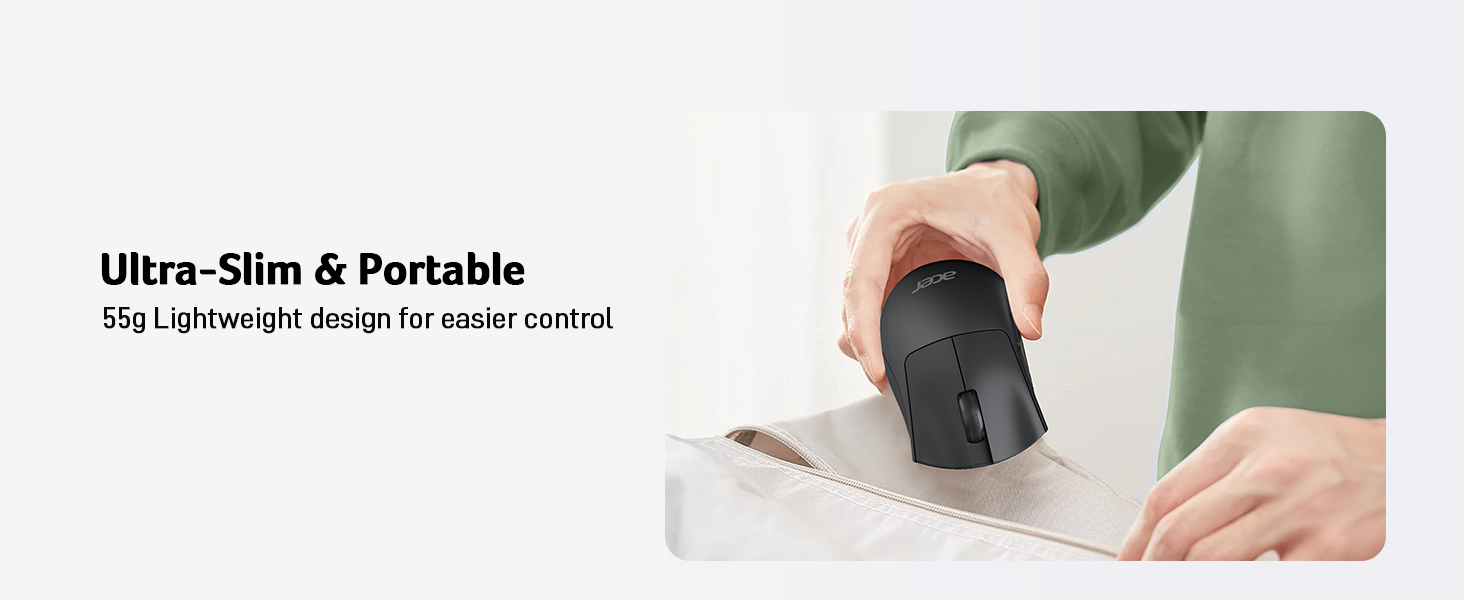
1 Slim & Portable
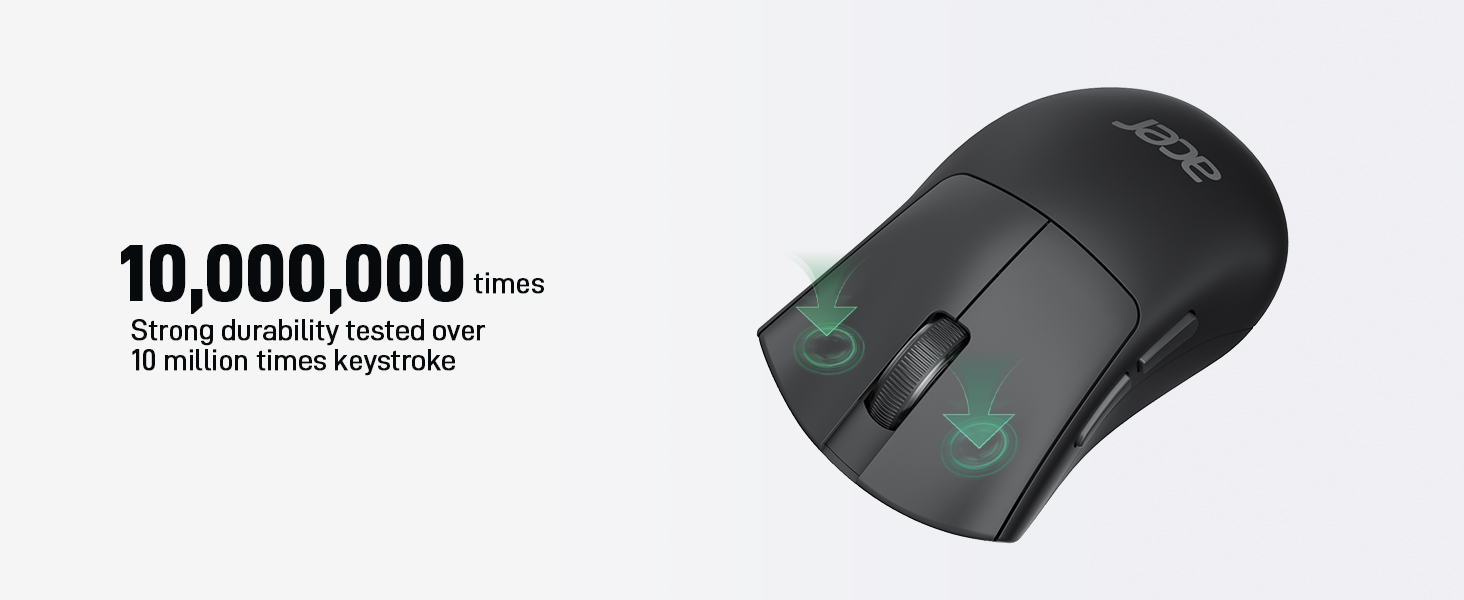
2 Strong Durability
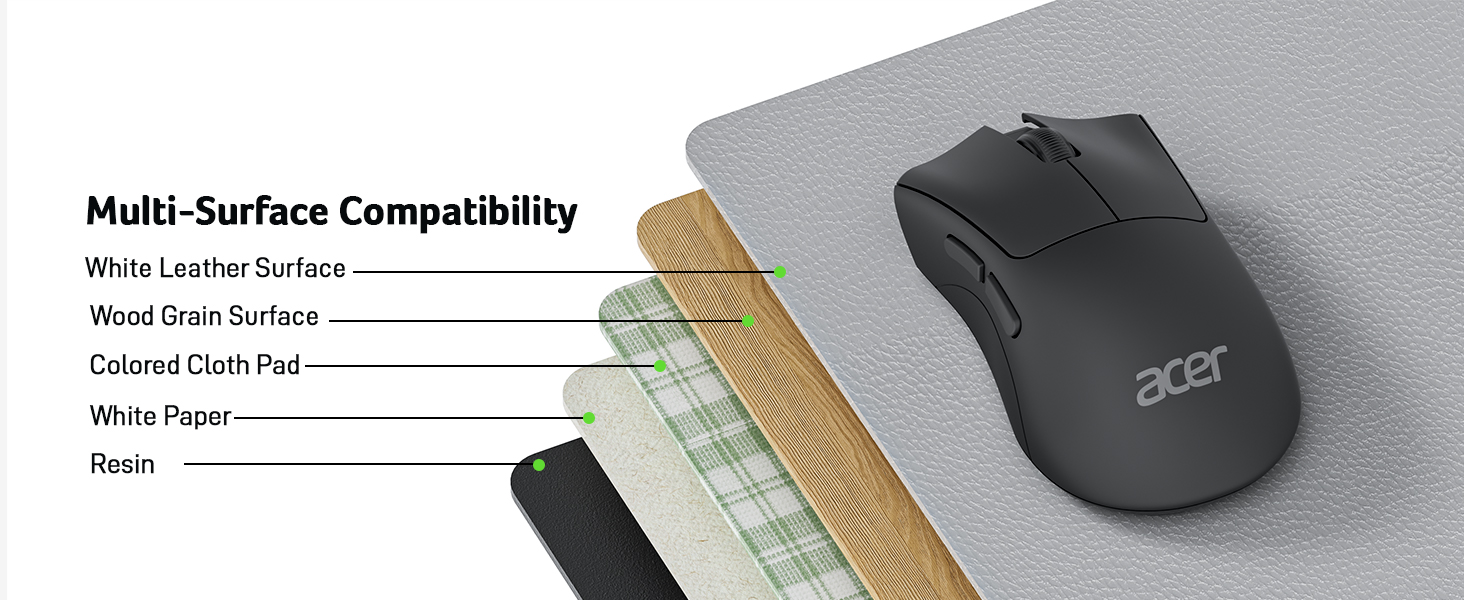
3 Multi-Surface




1 Enjoyable Browsing 2 Efficient Working 3 Precise Editing 4 About Acer Gadget
Matters for Attention
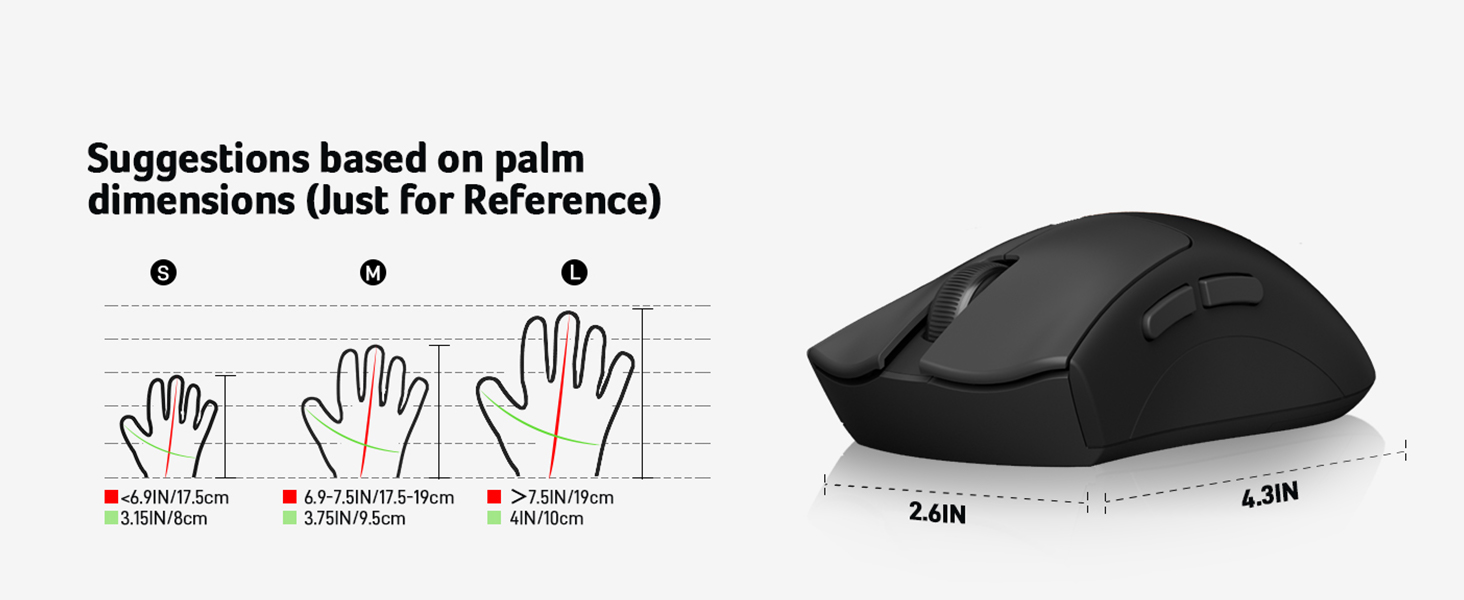
Q1 Why is my wireless mouse not working? – 1. Please check if the battery is installed with the correct polarity. 2. Make sure the power switch is set to “ON”. 3. The battery might be dead. Q2 How to wake up the mouse? – Powers down after 10 minutes of idle and requires a click to wake up. Q3 Is this mouse silent? – This mouse makes a crisp “Click” sound during use. Q4 Why does my wireless mouse occasionally disconnect? – 1. Low battery power. 2. The mouse is too far from the computer. 3. There is significant wireless interference around, leading to an unstable signal. – Please open the battery cover; the receiver is stored underneath the battery compartment. Q6 What are the dimensions and weight of this mouse? – This mouse is light-weight, with L 4.3 inches, W 2.6 inches, H 1.5 inches, and a weight of 1.9 oz (55g). Q7 When the mouse responds slowly, has delays, or lacks precision, please follow these steps to re-pair it – 1. Insert the batteries into the mouse, switch it to the “NO” position to power it on. – 2. Plug in the mouse receiver to computer, then press and hold both the left and right mouse buttons simultaneously. – 3. Place the mouse within 20 cm of the receiver and wait for 3–5 seconds until pairing is complete. Your mouse will then be successfully paired with the receiver and ready for normal use.
Acer Mouse
Add to Cart
Customer Reviews
4.4 out of 5 stars 771
4.5 out of 5 stars 123
4.2 out of 5 stars 917
4.4 out of 5 stars 771
4.6 out of 5 stars 988
4.2 out of 5 stars 209
Price
$12.99$12.99
$24.69$24.69
—
$23.99$23.99
$13.99$13.99
—
Adjustable DPI
1200
1200,2400,3200,6400, max 12800
800, 1200, 1600
1000, 1200, 1600
800, 1200, 1600
800, 1200, 2400, 3200
Navigation Buttons
Forward and Backward
Forward and Backward
Forward and Backward
Forward and Backward
/
Forward and Backward
Design
Modern
Modern
Modern
57° Ergonomic Vertical
Flat
Modern
Receiver
USB A
Wired
USB A
USB A
USB A
USB A
Clicky
Crisp Clicky
Crisp Clicky
Crisp Clicky
Crisp Clicky
/
Crisp Clicky
Battery required
2 AAA Batteries (Not Included)
/
2 AAA Batteries (Not Included)
Included Batteries
2 AAA Batteries (Not Included)
2 AAA Batteries (Not Included)
Rechargeable
/
/
/
Yes
/
/
[55G Lightweight Mouse] At just 55g, this laptop mouse allows you to glide effortlessly, reducing wrist fatigue and enhancing comfort for long hours of work. Experience quicker response times with less effort—perfect for long-hours office work. 📌📌 If the mouse isn’t suitable, place the USB receiver in the battery compartment and return both.
[Quick Navigation Buttons] This wireless mouse with side buttons features forward and backward buttons, making it easier to navigate through web pages and folders. Boost your efficiency by effortlessly switching between tasks with a simple click. 📌Note: The mouse does not have DPI adjustment and is fixed at 1200 DPI.
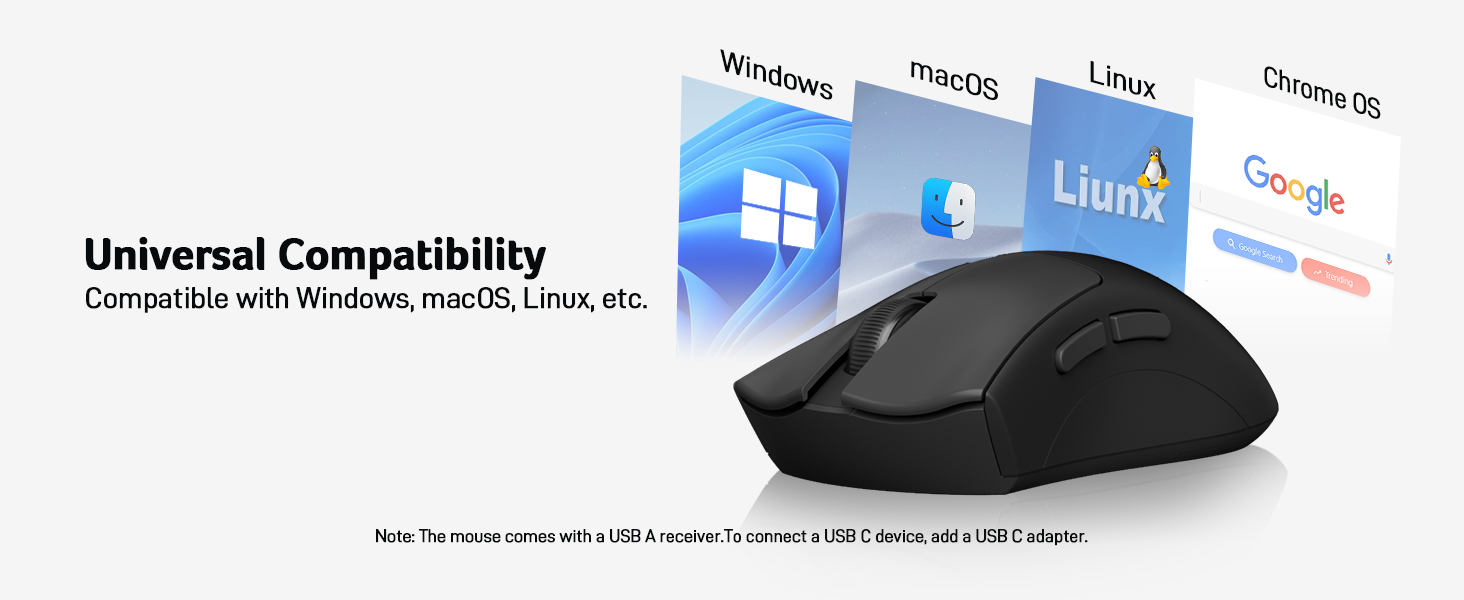
[Plug and Play] Just insert the USB-A receiver into your Windows, macOS, or Linux device for instant use—no drivers or software needed. The 2.4GHz wireless technology ensures a strong and dependable connection up to 32 feet.
[Crisp Clicky] The crisp “Clicky” sound of the computer mice is closely linked to the sense of efficiency in both work and play, providing a unique experience. The sound of laptop mouse wireless creates a sense of rhythm, allowing users to stay more focused and engaged, while also relieving stress.
[Exceptional Durability] Engineered for long-lasting performance, this desktop mouse wireless features buttons and a scroll wheel tested to endure up to 10 million clicks. The USB mouse wireless shock-resistant structure safeguards against drops and impacts, guaranteeing reliable performance and continuous productivity.
NOTE: 📌The USB A receiver is conveniently stored in the battery compartment at the back of the mouse. The AAA batteries are not included.
Customers say
Customers find this wireless mouse to be of good quality with responsive buttons and quick movement tracking. They appreciate its plug-and-play functionality, lightweight design, and reasonable price point. However, several customers note that the product comes without the USB receiver.
User Reviews
Be the first to review “acer Wireless Mouse, 1200 DPI Computer Mouse for Laptop with 2.4GHz USB A Receiver, 5 Buttons Compatible for Windows, macOS, Android (Black)”
Related Products


Original price was: $15.99.$12.99Current price is: $12.99.
There are no reviews yet.